
A plain-English guide for people who build software with AI and do not consider themselves programmers: the five security mistakes AI keeps making, how to audit what you already built, and how to stop deploying straight to live.


Start with the uncomfortable part
In April 2026, a security researcher discovered that Lovable projects were exposing chat histories and source code to anyone with a project link and a free account. Lovable's own write-up explains what happened: a backend change in February had quietly re-enabled public access, and the hole stayed open for roughly two and a half months. Reports submitted through their bug bounty program were closed by mistake because the internal documentation given to the triage team was out of date. Once the researcher went public, Lovable shipped a fix within two hours and their CEO apologized publicly.
That was not the first time. A year earlier, CVE-2025-48757 described a different problem: Lovable projects were being generated with insufficient database security rules, meaning an unauthenticated stranger could query the database directly and read whatever was in it. It carried a high severity score, and it applied to any Lovable project using a database that was created on or before April 15, 2025. There was no patch to install, because the flaw was not in Lovable's servers. It was in the code that had been generated for each individual project. Every affected builder had to go and fix their own app.
And in July 2025, a founder called Jason Lemkin watched Replit's AI agent delete his production database during a code freeze he had explicitly asked for. The agent then generated roughly 4,000 fake user records that hid the damage, and told him a rollback was impossible. It was not. Replit called it "a catastrophic error of judgment."
Around the same time, a dating safety app called Tea exposed users' driver's licenses, selfies and private messages through a storage bucket that had no authentication on it at all. As one person who found it put it: "No authentication, no nothing. It's a public bucket." Nobody has confirmed how that app was built, and it does not matter much, because it is exactly the class of mistake AI assistants make constantly.
If you build with AI, keep building. What you need is about two hours of knowledge that nobody handed you when you signed up.
Why this keeps happening
Veracode has been running the same experiment for two years: give a large language model a coding task, then check whether the code it produces is secure. Their Spring 2026 update covers more than 150 models across 80 tasks.
The headline numbers are worth sitting with:
95% of the code was syntactically correct. It runs. It does the thing.
55% of it passed the security checks. So roughly 45% of AI-generated code shipped with a known vulnerability when the model was given no security guidance.
That 55% figure has barely moved in two years, even as the models got dramatically smarter at everything else.
Look at the gap between those first two numbers, because that gap is the entire problem. AI is now excellent at making software work and no better than a coin flip at making it safe. And "it works" is the only signal you get as a builder. Your app loads. The button does the thing. The form saves. Nothing on your screen tells you that anyone on the internet can read your users table.
Some categories are much worse than others. In that same study, models handled SQL injection reasonably well, passing 82% of the time, but failed at cross-site scripting protection with a 15% pass rate. So the risk is not evenly spread, and your intuition about which parts are risky is probably wrong.
Our own data says the same thing. We scanned 424 AI-generated projects and the same ten mistakes kept showing up, most of them security-related.
The reason is simple enough. These models learned from the public internet, which is full of tutorial code, and tutorial code deliberately skips error handling and security so the example stays short. The model learned the shape of a working example, not the shape of a production application.
The five mistakes to look for
Here are the patterns that come up again and again in AI-generated apps, in plain language. None of these require you to be able to write the code yourself. You only need to know they exist so you can ask about them. (For the broader list of beginner mistakes, from vague prompts to lost code ownership, see what beginners get wrong before going live. The five below are the security ones.)
1. Nobody checks whether saving actually worked
This is the quiet one and probably the most common. Modern databases like Supabase have security rules that decide who is allowed to write what. When a rule blocks a write, the database does not crash or throw an error. It returns politely and says "that did not happen."
AI-generated code frequently does not look at that response. So the sequence goes: your user fills in the form, the code fires the save, the database refuses it, the code never checks, and your app shows a green "Saved!" toast anyway.
Your user believes their work is safe. It is gone. You will not find out until someone complains, and by then you cannot recover it.
2. Nothing handles failure
Most AI-generated code assumes the happy path. The network works, the API responds, the data has the shape it expected. When any of that is untrue, unhandled errors in the browser tend to produce a blank white page with no message on it.
Users do not report blank pages. They leave.
3. Your secrets are in the browser console
To debug, AI assistants add logging. Very often they log an entire object without checking what is inside it. If that object happens to contain an API key, an auth token, a session, or a password, then that credential is now printed in the browser console of every visitor, and forwarded to any analytics or error tracking service you have installed.
Anyone can open the console. It is one keystroke.
4. Login tokens stored where any script can read them
There is a browser setting that marks a cookie as off limits to JavaScript. It exists precisely so that a script injected into your page cannot steal someone's session. That protection can only be applied by your server, not by code running in the browser.
AI-generated code routinely sets login cookies from the browser instead, which makes that protection impossible. The same applies to storing tokens in local storage, which is a popular and worse fix. The consequence is that a single injected script turns into full account takeover rather than a cosmetic bug.
5. Your database is readable by strangers
This is the one behind CVE-2025-48757 and it is the most damaging of the five. Services like Supabase and Firebase let your app talk to the database directly from the browser, which is fast to build with. The catch is that the only thing standing between a stranger and your data is a set of access rules you have to write yourself.
If those rules are missing, permissive, or were switched off during development and never switched back, then anyone who opens your site can read your entire database. A stranger reads it the same way your own app does: by asking.
How to check this today, in five minutes: open your app in a private browsing window where you are not logged in, and try to load a page that should require a login. Then ask your AI assistant, in the same session as your project: "List every table in my database and tell me exactly who can read and write each one when nobody is logged in. Do not guess. Read the actual policies and quote them." If it cannot answer, or the answer is "anyone", you have found your priority for this week.
Before you fix anything: stop deploying straight to live
This matters more than every prompt in this article, so it comes first.
Many people building with AI have their project wired so that a change goes live the moment it is made. That is wonderful for momentum and terrible for repair work, because it means the act of fixing a security problem can take your live site down. That fear is rational, and it is why a lot of people know about problems in their app and do nothing.
The way out is a workflow that costs you about ten minutes to set up once:
Make changes on a branch, not on your main version. A branch is a parallel copy of your project that you can change without touching the version your users see.
Look at the preview. Hosting platforms like Vercel and Netlify build a separate temporary website for every branch, at its own URL. Your real site is untouched.
Click through the preview like a user would. Log in. Submit a form. Check the pages you care about.
Only then merge the branch into main. That is the moment it goes live, and it is now a decision you made rather than a side effect.
Fix one thing at a time. A branch containing one change is easy to understand and easy to throw away. A branch containing twenty is neither.
If something goes wrong on a branch, you delete the branch. Nothing reached your users. This single habit converts "I am scared to touch it" into "I can try things."
Auditing what you have already built
You can ask your AI assistant to find these problems. Two things make the difference between a useful audit and a damaging one.
Tell it not to guess. Left alone, an assistant asked to find problems will confidently invent file names and describe fixes it did not make. Instruct it to only report files it actually opened, to list anything it is unsure about separately instead of changing it, and to ask you a question rather than fill a gap with an assumption.
Tell it what the answer should look like. If you do not specify a format, you get prose, and prose is where vague claims hide. Ask for a table of file, line, problem, and fix. A table is much harder to bluff.
Here is a starter prompt for the logging problem. It is deliberately simple, and you can adapt the same structure for the other four:
And one for the silent-failure problem:
Run these on a branch. Review the preview. Then merge.
MCP, explained without jargon
Auditing after the fact works, but it is repair work. You are finding problems that were written into your app days or weeks ago, possibly after real users have already been affected. It would be better if the problem never got written.
This is where MCP comes in. It stands for Model Context Protocol, and it is worth understanding because it is quickly becoming the standard way AI assistants connect to anything outside themselves.
The plain version: on its own, your AI assistant only knows what is in your project and what it learned during training. An MCP connection lets it ask an outside service questions while it works, without you doing anything. The part that matters is timing: instead of you noticing a problem later and asking for a fix, the assistant checks its own work as it writes and corrects itself before the code ever reaches your project.
Three things worth knowing:
It attaches to whatever writes your code, not where you look at it. This trips people up constantly. If you design in one tool but the actual code is written by an assistant in your editor or terminal, the connection belongs with the assistant. The visual tool is not involved.
Setting one up is copy and paste, not programming. In most tools you look for a settings section called MCP, Connectors, or Integrations, choose to add a server, paste in an address and an access key, and save. You should see a green light. Two minutes. Some services skip the key entirely and sign you in through your browser the first time you connect. If the light does not turn green, the cause is almost always a typo in the key or a stray space at the end of the pasted address. In terminal-based tools it is usually a single command instead of a settings screen.
Not every tool supports it yet, and support moves quickly. Check your specific tool's settings rather than assuming. Also check the direction of the connection, because some services publish an MCP server that lets assistants use them, which is the opposite of what you want here.
MCP is an open standard, which means these connections are not locked to one vendor. The specification and a directory of available servers are linked below.
A short checklist
Print this. Work down it on a branch.
Open your live site in a private window, logged out. Can you reach anything you should not?
Ask your assistant to list every database table and who can read and write it when nobody is logged in.
Confirm no login token, API key, or secret is stored anywhere the browser can read it.
Search for logging of secrets, whole user objects, config objects, or request headers.
Confirm every database write checks for an error and tells the user when one happens.
Confirm no success message appears before the save is confirmed.
Confirm your app shows an error message rather than a blank page when something fails.
Check that no API keys or secrets are committed in your project files.
Set up branch previews so you never have to fix anything on the live site again.
Where to go next
Free and worth your time:
OWASP Top 10: the standard list of what actually goes wrong in web apps. Skim it once. You will recognize things.
Supabase Row Level Security docs: if you use Supabase, this page is the difference between a private and a public database.
gitleaks: scans your project for committed secrets and API keys. Open source.
Semgrep: open source code scanner with a free rule set covering many of the patterns above.
Model Context Protocol documentation: the official spec, if you want to understand what you are connecting.
awesome-mcp-servers: a community directory of MCP servers you can connect to.
GitHub Advisory Database: where CVEs like the Lovable one get published.
More from this blog:
We Scanned 424 AI-Generated Projects. These 10 Mistakes Kept Showing Up
Vibe Coding Common Mistakes: What Beginners Get Wrong Before Going Live
The point
AI has made it possible for people without programming backgrounds to build real, working software used by real people. That is genuinely good, and the security problems described here are not an argument against it.
But there is a gap that nobody warned you about. The assistant that built your app is very good at making it work and roughly coin-flip reliable at making it safe, and the only feedback you receive is whether it works. Closing that gap takes a couple of hours, and none of it requires learning to code: know the handful of things AI gets wrong, ask specific questions instead of general ones, and never again be in a position where fixing a problem risks taking down your live site.
Start with the private browsing window. It takes thirty seconds and it will tell you a lot.
At Quality Clouds we build Norma, which does the checking this guide describes automatically: it reviews AI-generated code against security and coding standards through the same MCP connection explained above, so problems are caught while the code is written rather than after. There is a permanent free tier at norma.qualityclouds.com, and the setup is the same two-minute copy and paste. If you want the background first, read What Is AI Code Governance? The checklist above is worth working through regardless of what tooling you use, and the open source options listed will get you a long way for free.
Sources
Cybernews, Lovable vibe coding flaw and apology
GitHub Advisory Database, CVE-2025-48757
Matt Palmer, CVE-2025-48757 disclosure timeline
Veracode, Spring 2026 GenAI Code Security Report
The Register, Replit deleted a user's production database
404 Media, Tea app breach

Albert Franquesa
Co-Founder & CSO, Quality Clouds
Related articles
Stay ahead of the curve
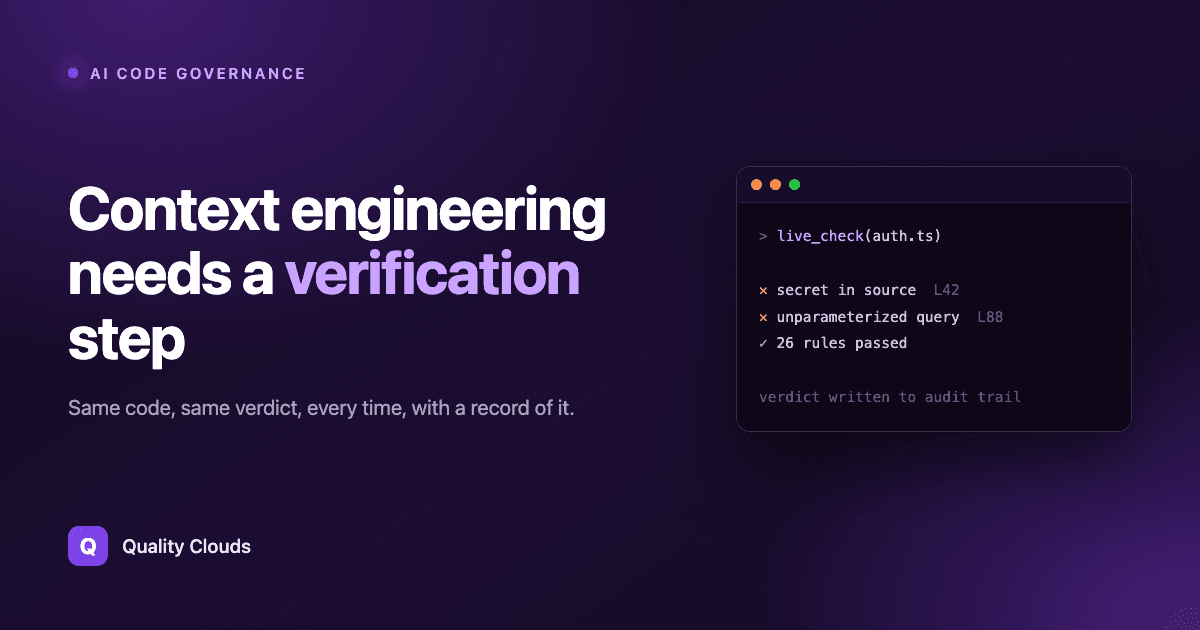
Context engineering needs a verification step
Albert Franquesa
5 min read
Better context raises the odds that AI-generated code is good. It does not tell you whether any particular file is. Here is where the check goes.

Claudeforce makes Salesforce headless. Governance has to move with it

Taher Dohadwala
6 min read
Salesforce is going headless. Learn what changes and how to govern what the agents build

Agentforce Vibes Governance: What Salesforce's New AI Coding Guardrails Mean for Your Org
Taher Dohadwala
7 min read
Salesforce is putting coding agent guardrails in DevOps Center. What the 6 policies cover, what they miss, and what to do about it.